Hi, I'm a musician turned web developer
Based near Tel-Aviv

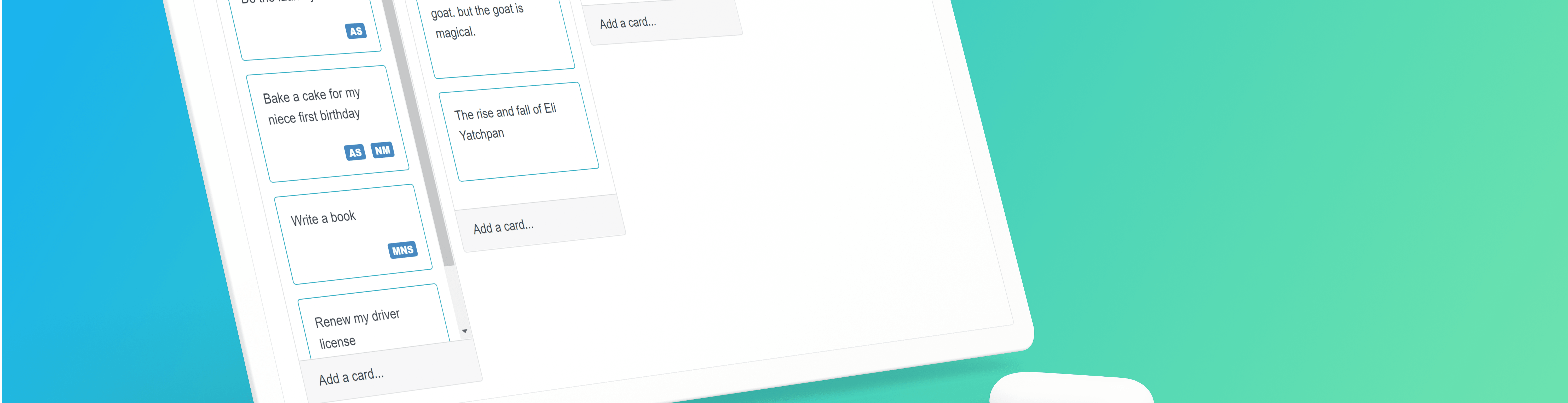
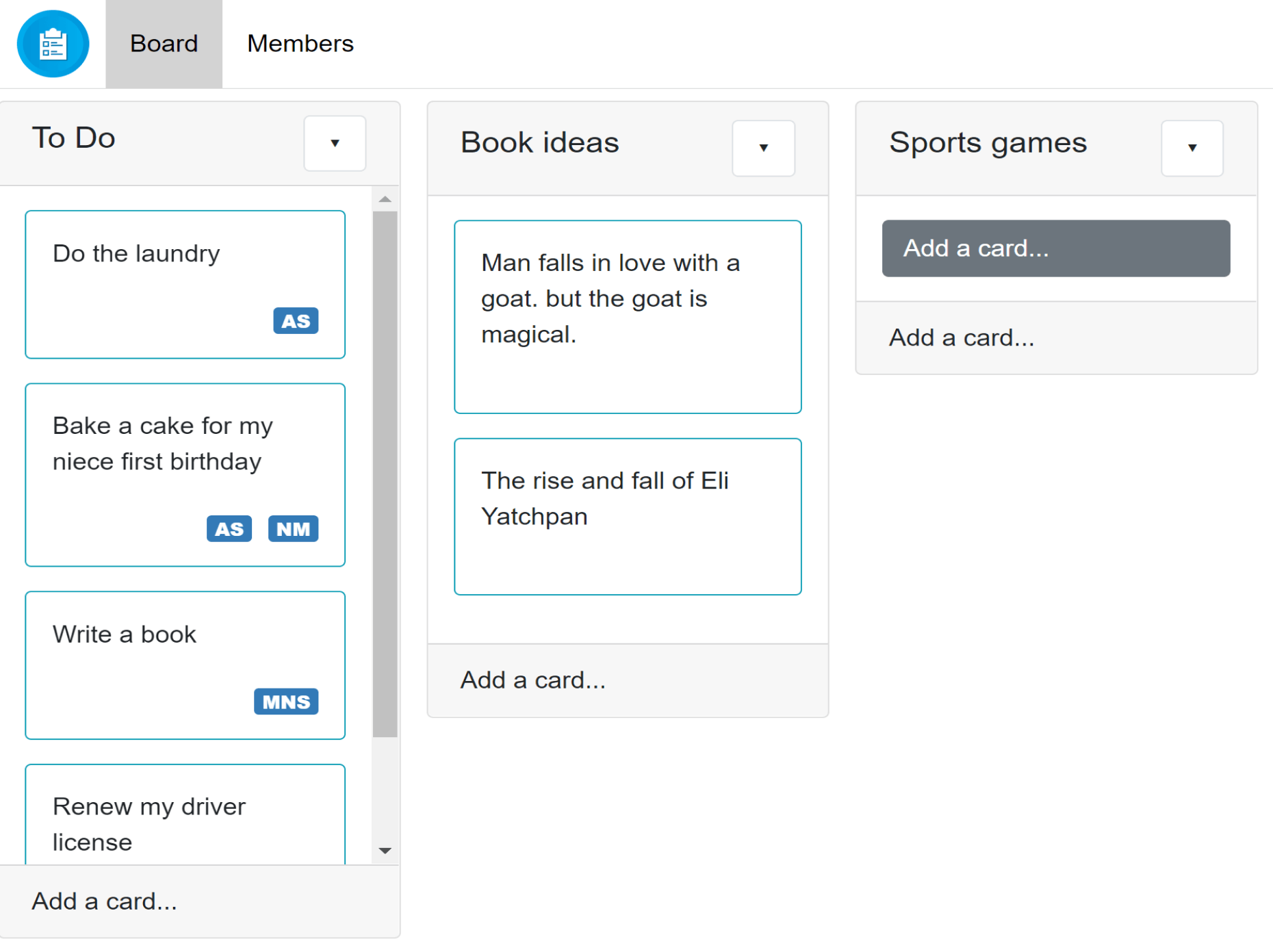
Taskboard was a project done with emphasis on Bootstrap styling and JavaScript code in the form of
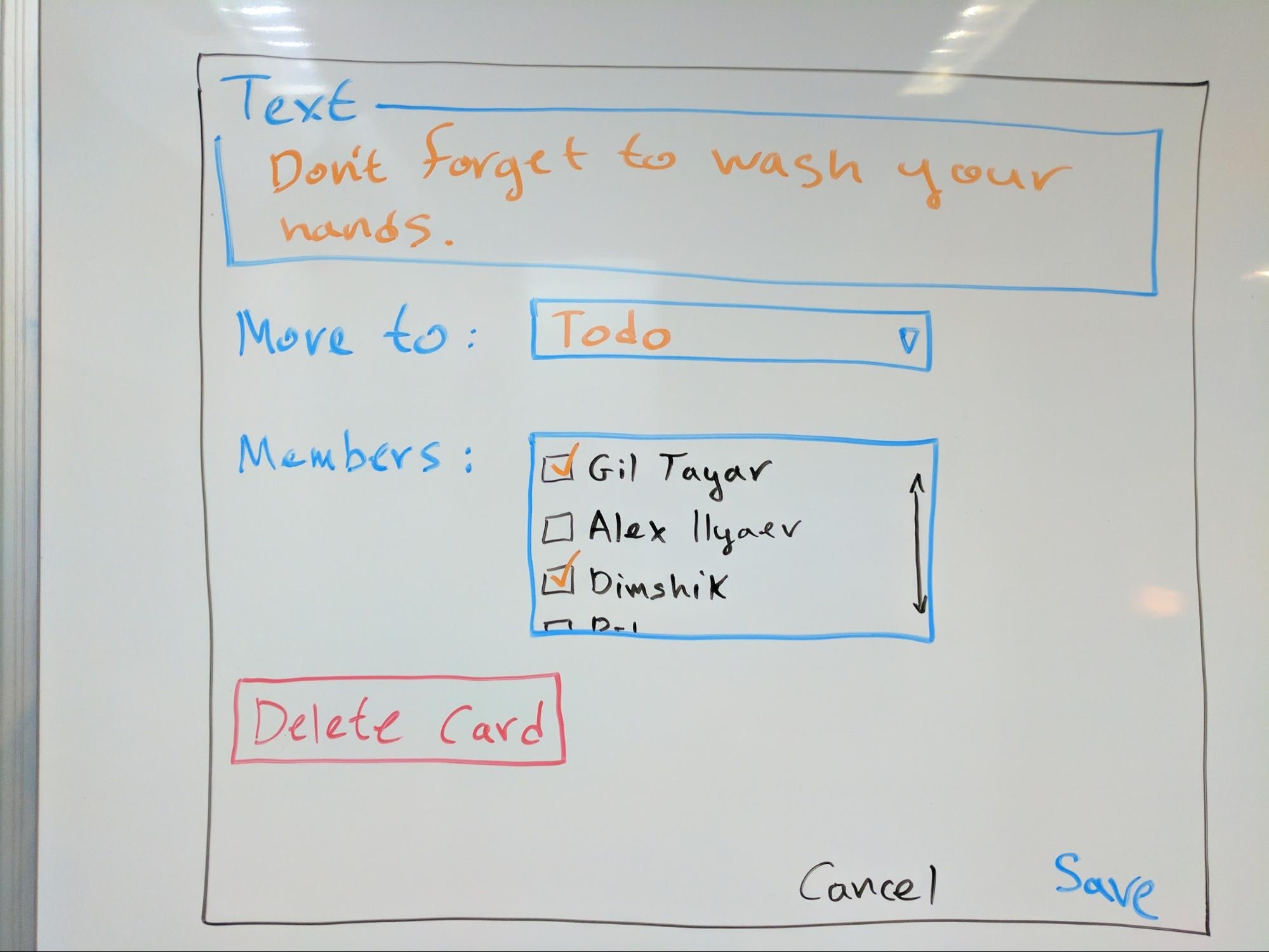
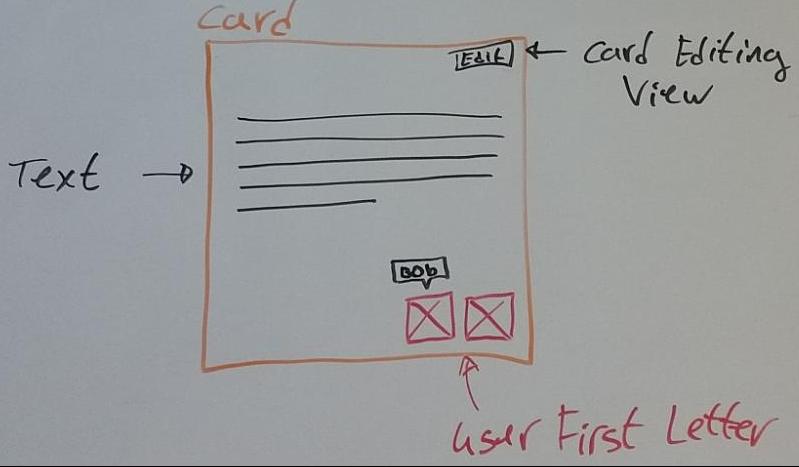
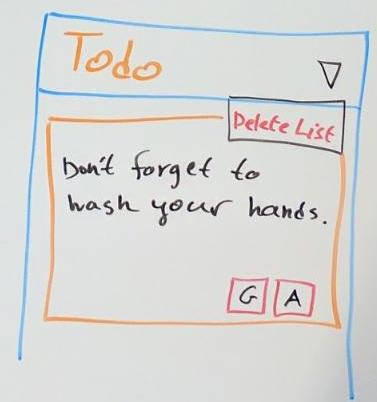
Model–view–controller. The app features include titled lists, cards with text and relevant members,
and a members section with their full names.
Each feature of the app has 'add', 'edit' and 'delete' functions which are coded in Javascript
and all changes are saved in Local Storage
The project specs were in the form of blackboard photos and specifications .md file. Later I was given screenshots to set the app lookes, mainly with Bootstrap.
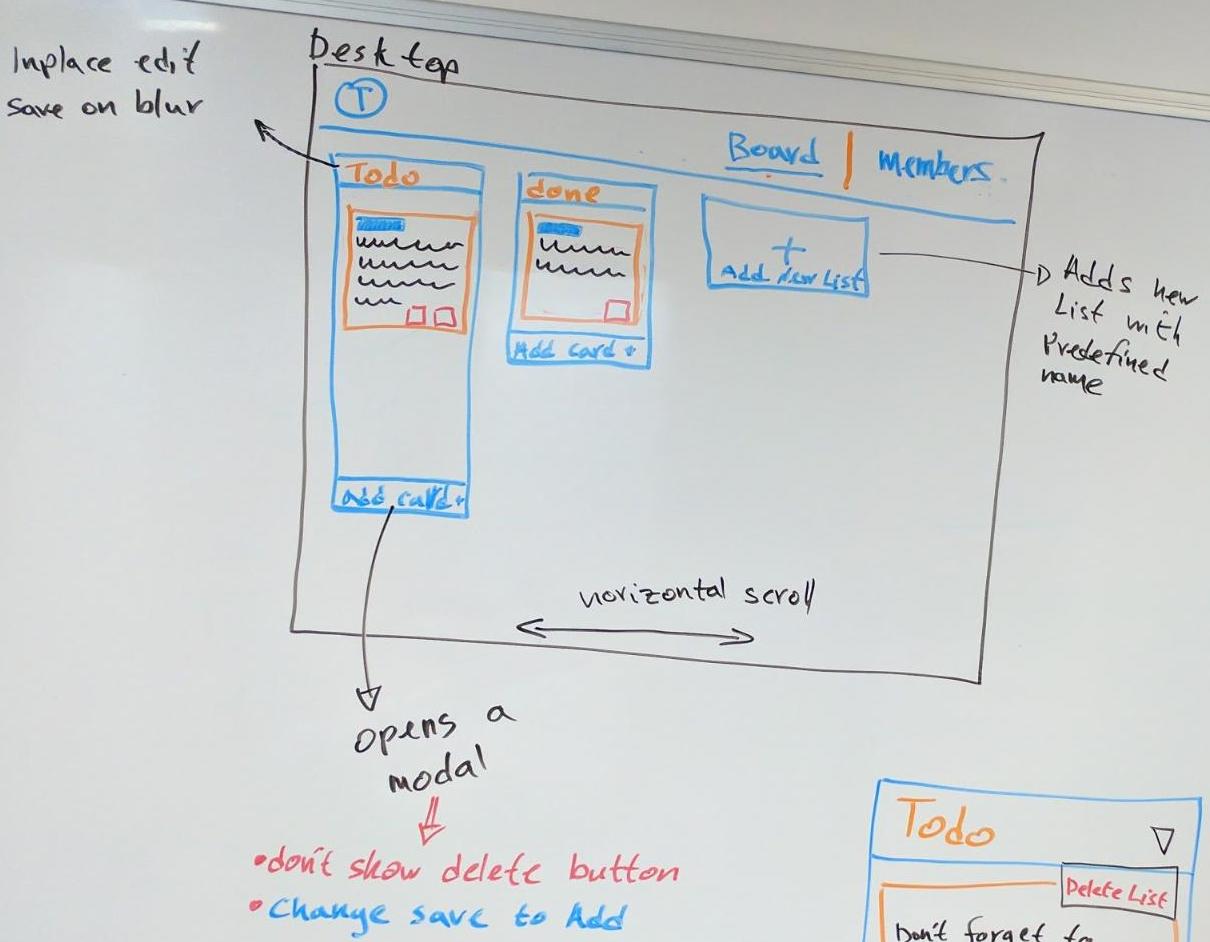
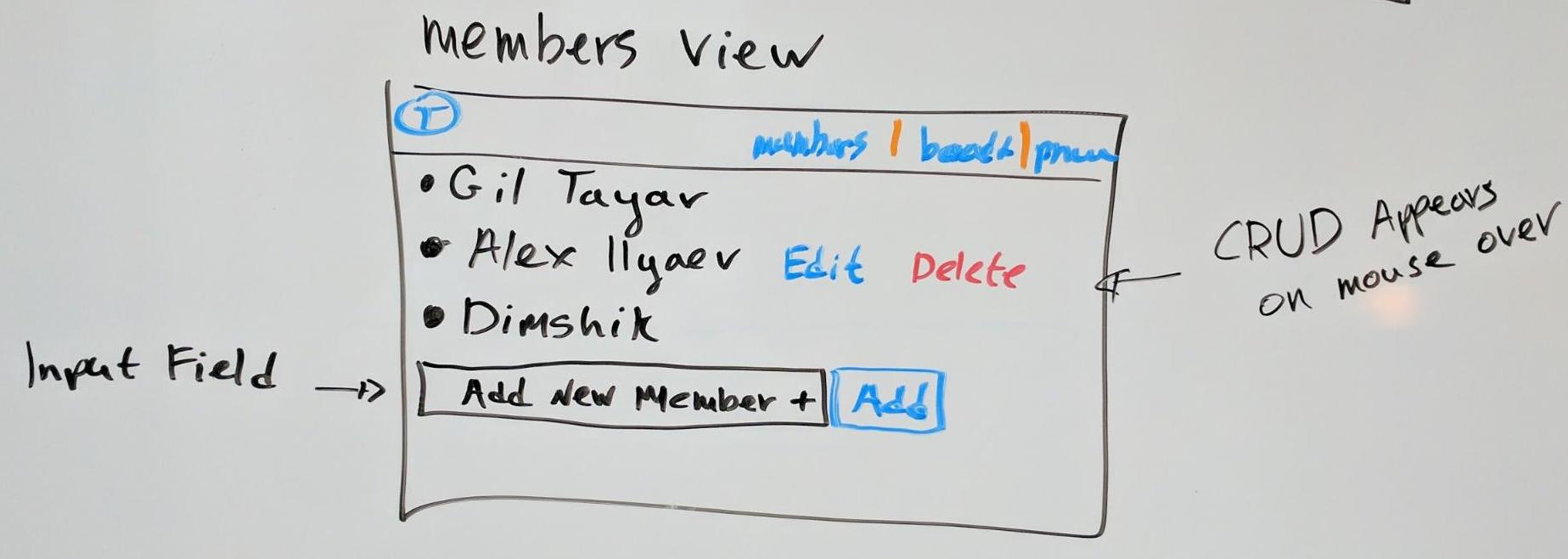

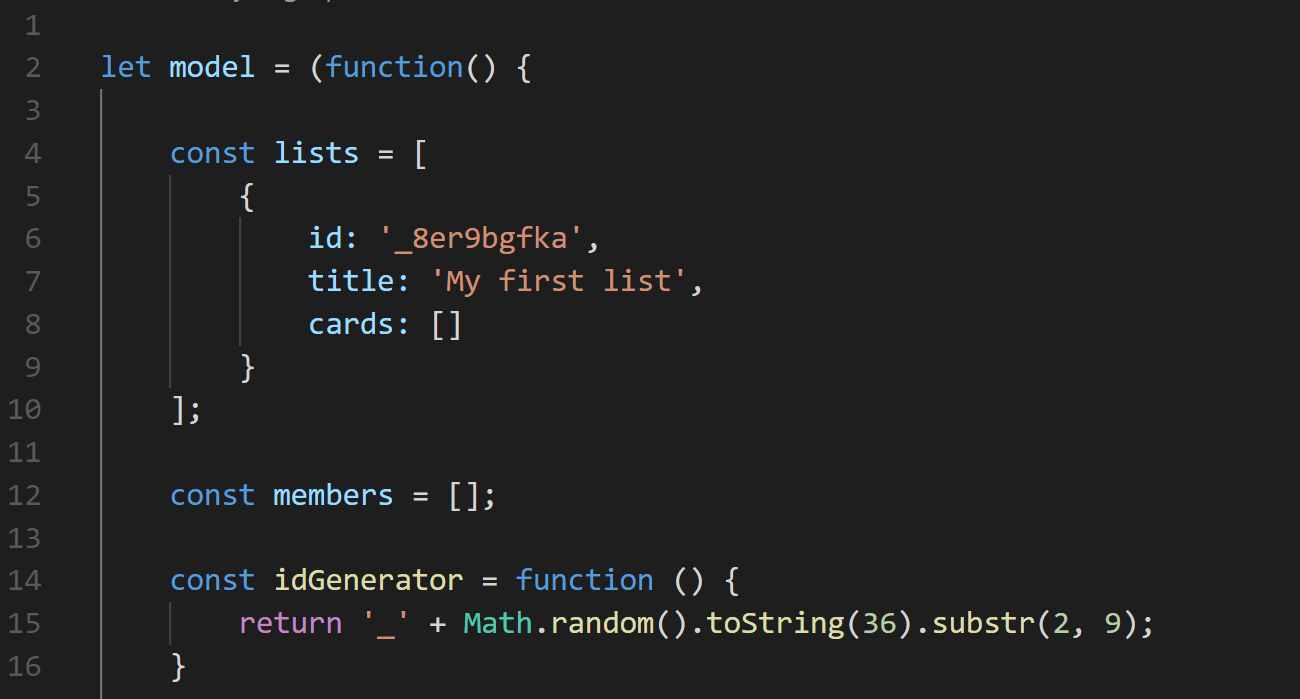
The app JavaScript code is separated into a "model" file and a "main" file. The "model" file contains
a self-invoked function which returns the "lists" and "members" array template, also a number
of functions that only change those array data. By using the self-invoked function the core templates
and function can't be changed by an outer function. Also I'm able to hide functions that work
in the background of the model, such as "idGenerator".
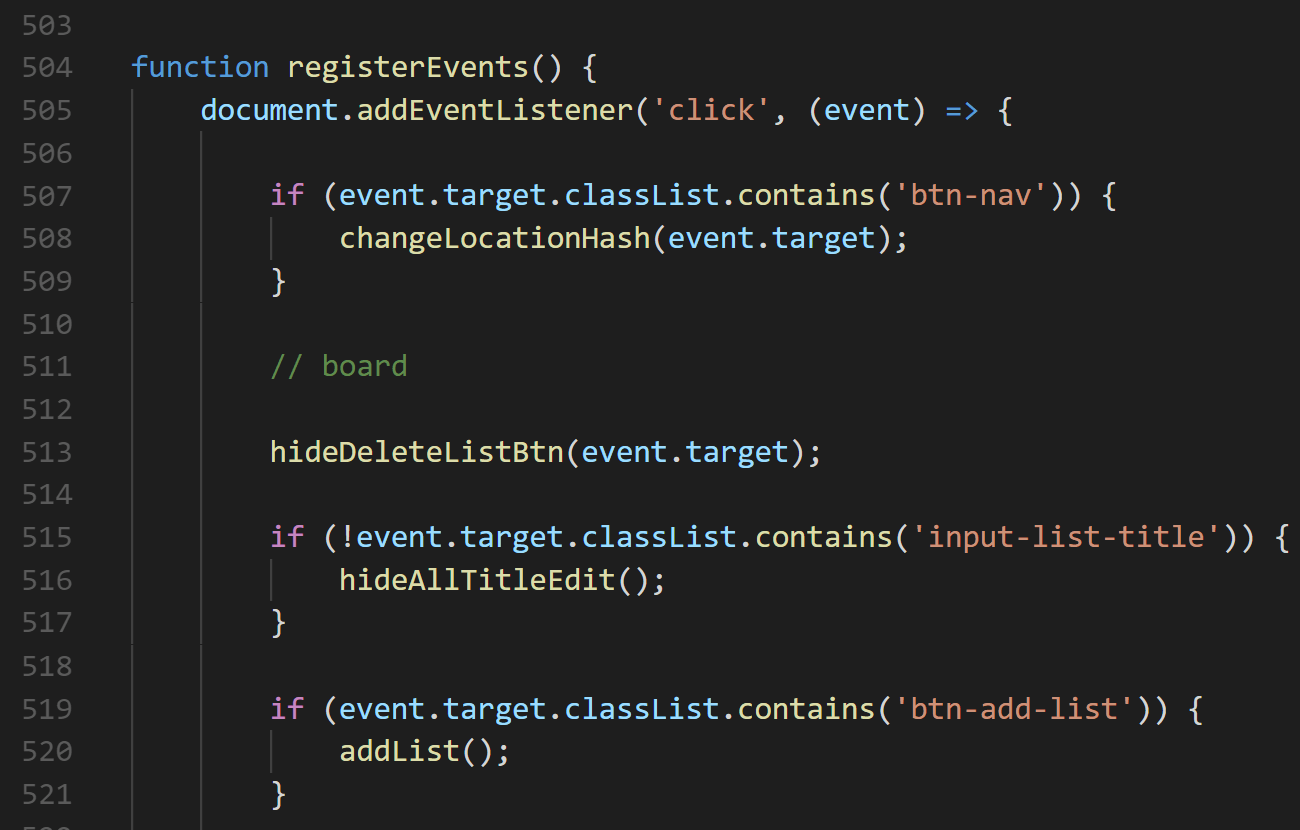
The "main" file sets the UI and controls it according to the user clicks and inputs. When the
app is started an "addEventListener" function looks for buttons clicks by their classes and activates
a function accordingly. The functions take the relevant inputs and modify the model after which
it draws the new UI according to the modified model.
 view live project


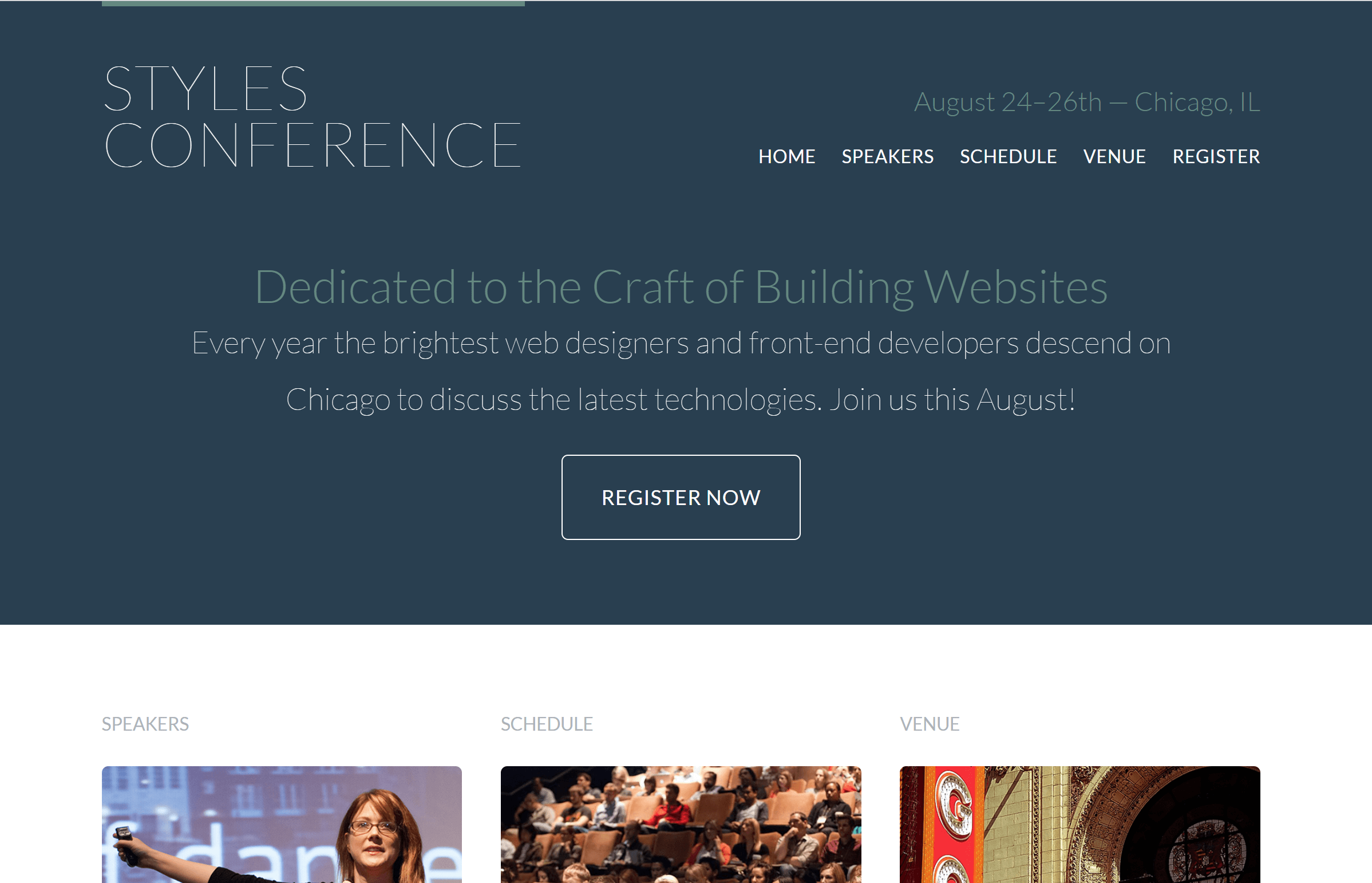
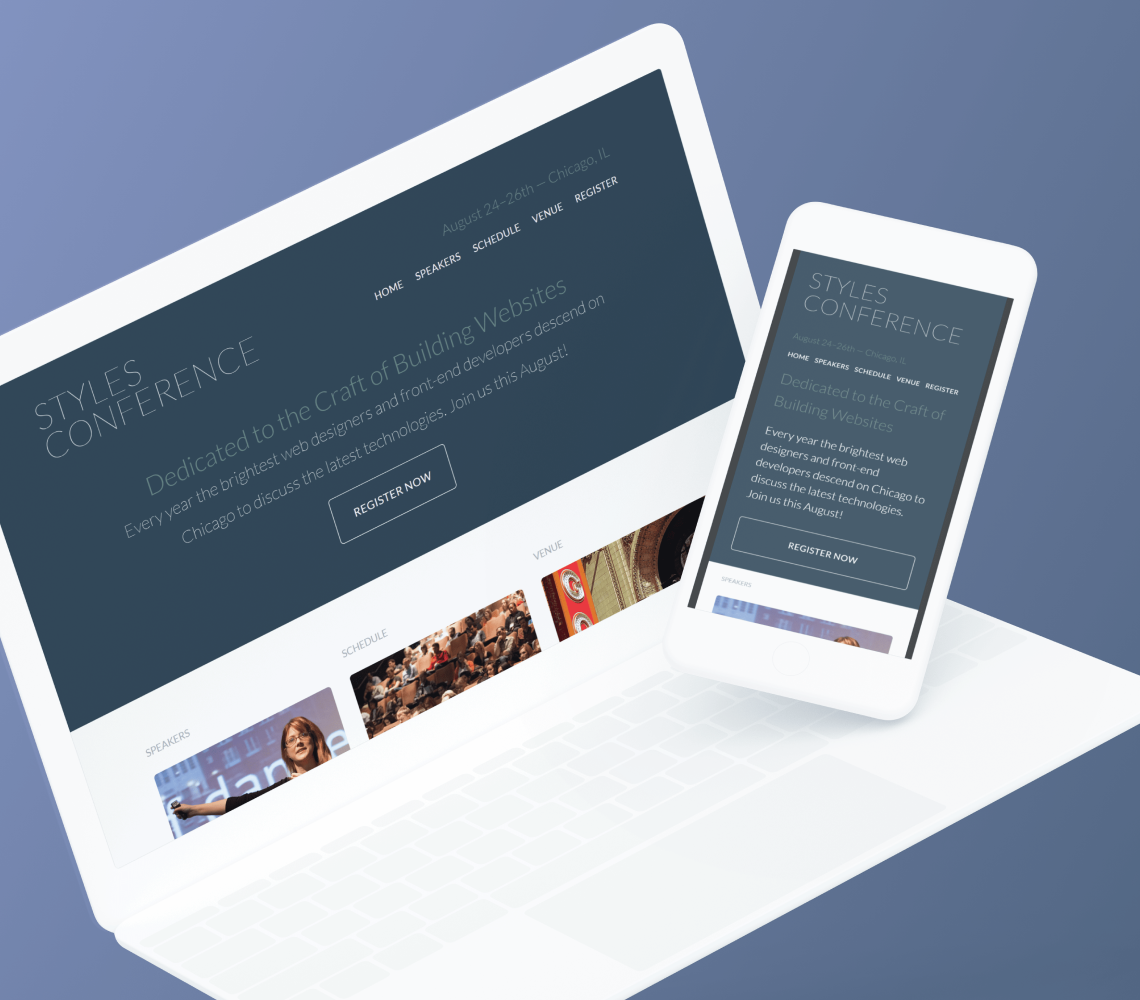
The Styles conference site was built as a project with an emphasis on tidy and correct HTML and CSS writing. The site contains five HTML files as the number of site pages and one main CSS file. After the coding was done I transformed it to be responsive for all devices.
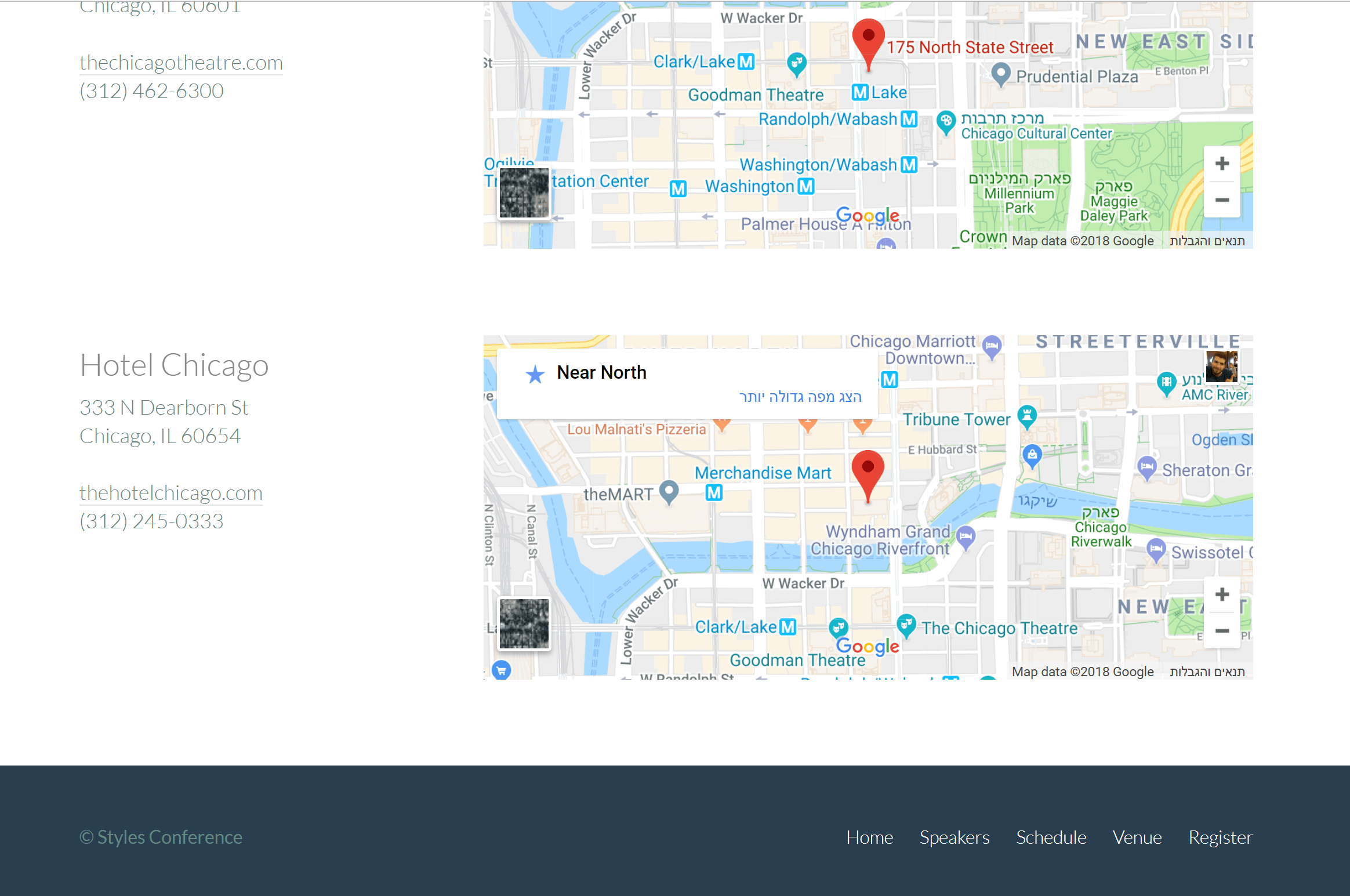
The site contains five different pages each one has diffrent features. to name a few - each page is separated to "header", "nav", "section", "aside" and "footer" elements with their specific properties. The use of "Flex-box" to organize and orient the elements and in the elements themselves. Also writing a form with a different type of inputs, using tables to organize content and ambeding "Google maps" locations.
 view live project

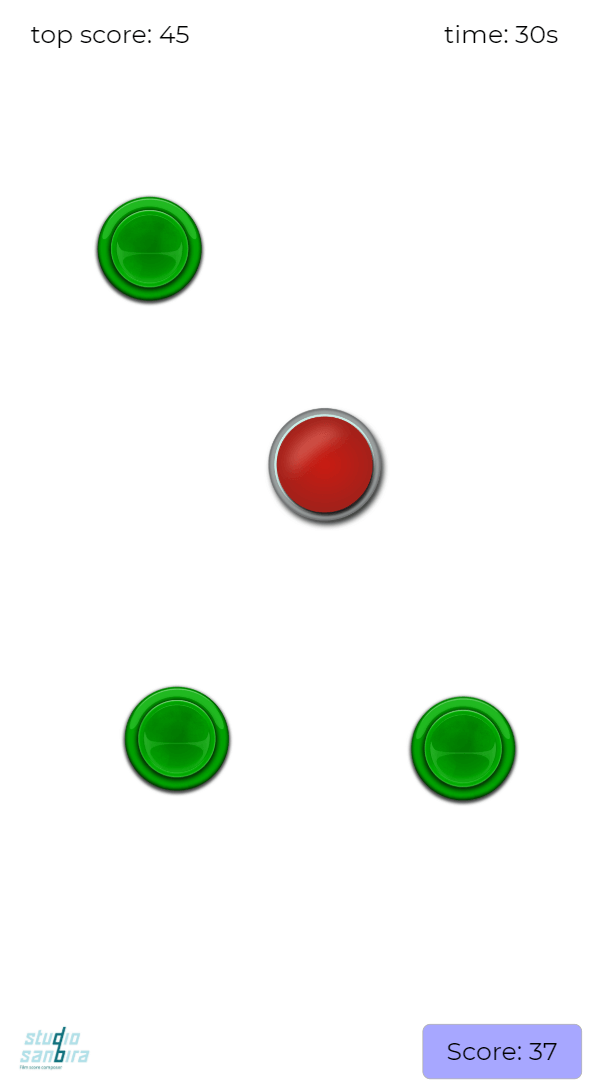
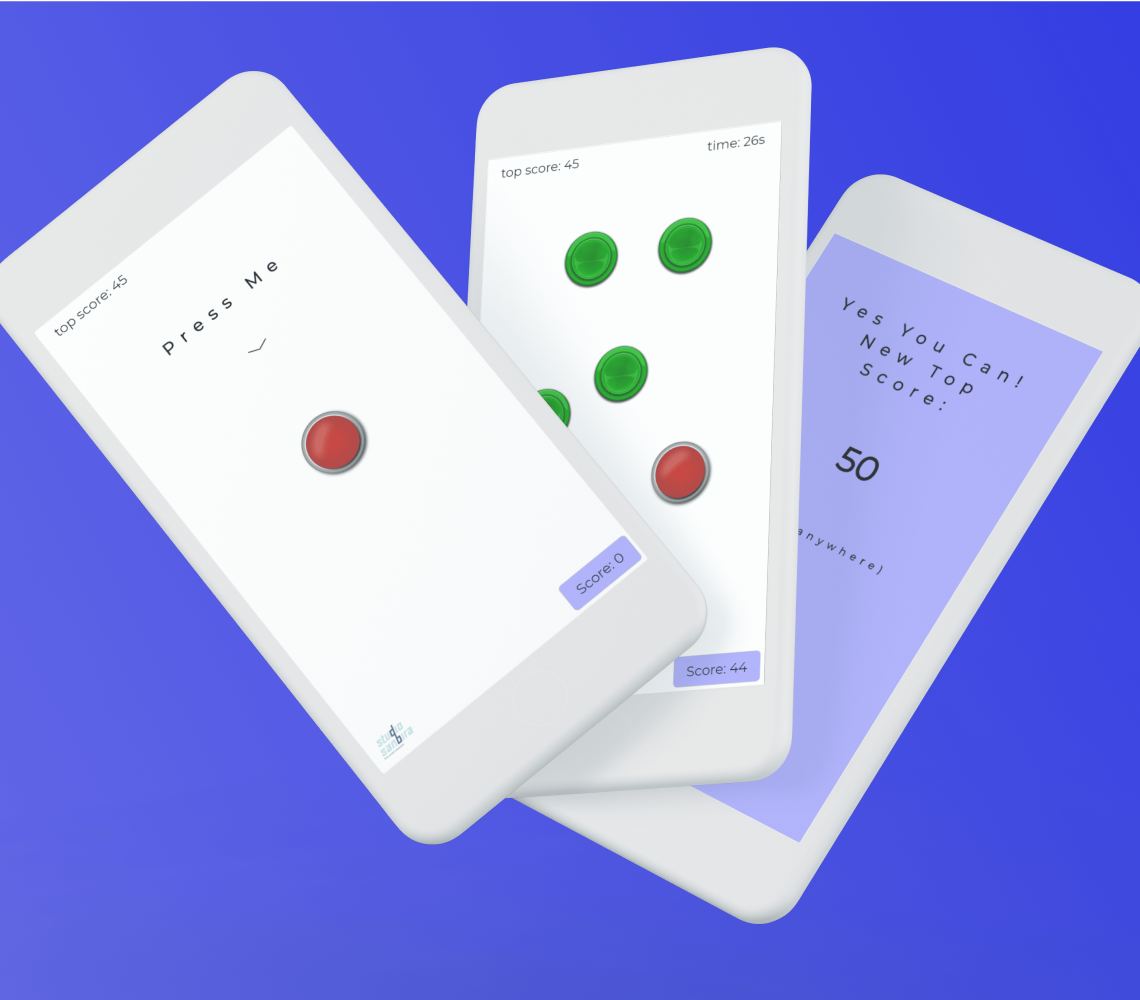
The "BTN Game" started as a side project with the purpose of practicing JavaScript code. The game premise is to press the red button as much as you can within one minute. Every press the button pops in a different random location and as the game goes green buttons appear, press them and it's game over.
A timer in the top-right that runs with a 'setInterval' function and turns red in the last few seconds, A score counter in the bottom-right that triggers and updates every button click, And a top score element in the top-left that checks if the top score was beaten when the game is over and saves itself in the 'localStorage' for games to come.
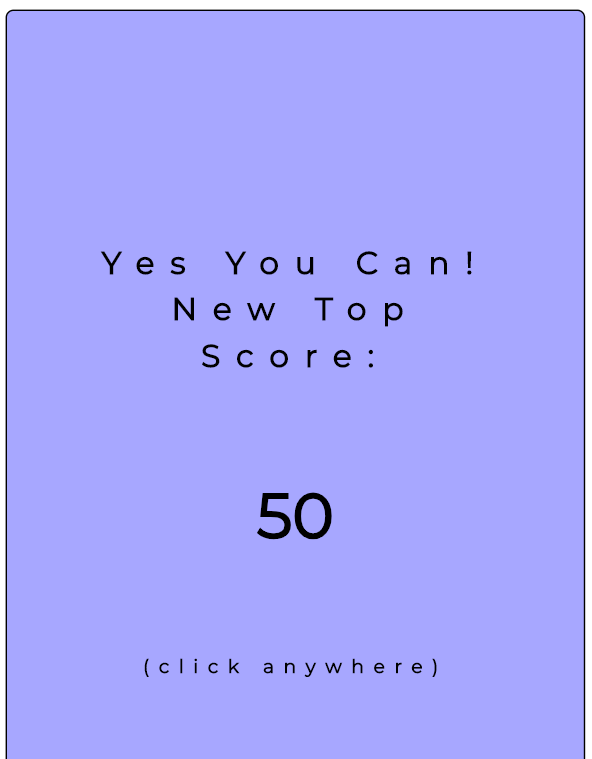
The buttons themselves are 'div' elements with a background image and a 'position' set to absolute. When the red button is pressed the 'gamePlay' function is activated and when the green ones are pressed a 'game over' function. The 'gamePlay' function activates the timer, sets a random number for the 'top' and 'left' attributes, and checks the score count to add green buttons at a certain amount. The green buttons are constracted using an 'object' and their location is checked so there will not be a green button on top of the red one. the 'game over' function shows a screen with changing sayings and the end score, stops the timer, and restart the game.
 view live project
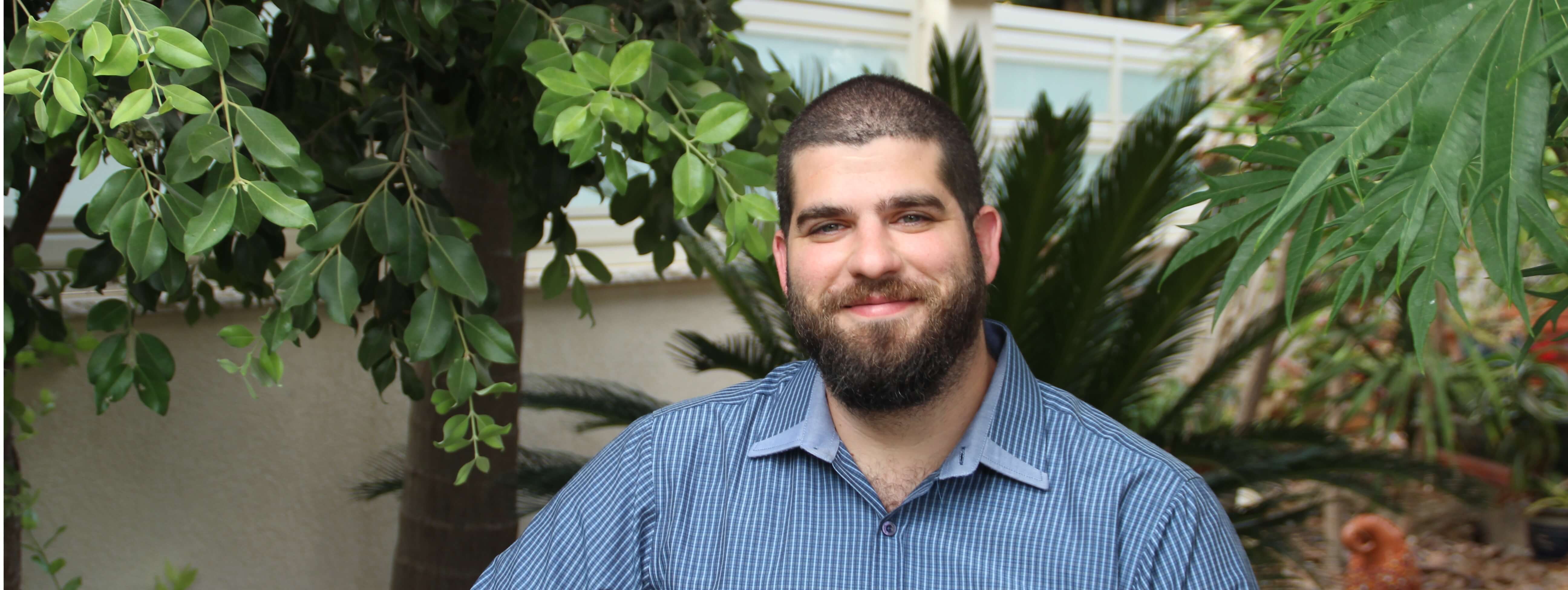
I have a great interest in logic and puzzles. I’ve always been fascinated with riddles and strategy games. I have also been an artist and musician for as long as I can remember. After serving as an officer in the IDF, I decided to follow my dream and study music composing at Rimon College of Music. After graduating with honors, I felt the industry didn’t suit me as well as I’d like it to. I opted to go back to basics, return to school, and join an engineering program with the University of Ariel. It is there I discovered 'Java' and software development and fell head over heels with code writing. So I pivoted, and entered the Create FED bootcamp course.
Now that i've graduated, I’m looking for a place to grow and learn, from both people and experiences. All my projects and
side-projects can be seen on my
gitHub, including this portfolio site that I wrote from scratch. If you’d like to work with
me, I’d be more than happy to chat.
Feel free to contact me at +972-542025651